Ready for iPhone Duo: Chronicling v2.1.3
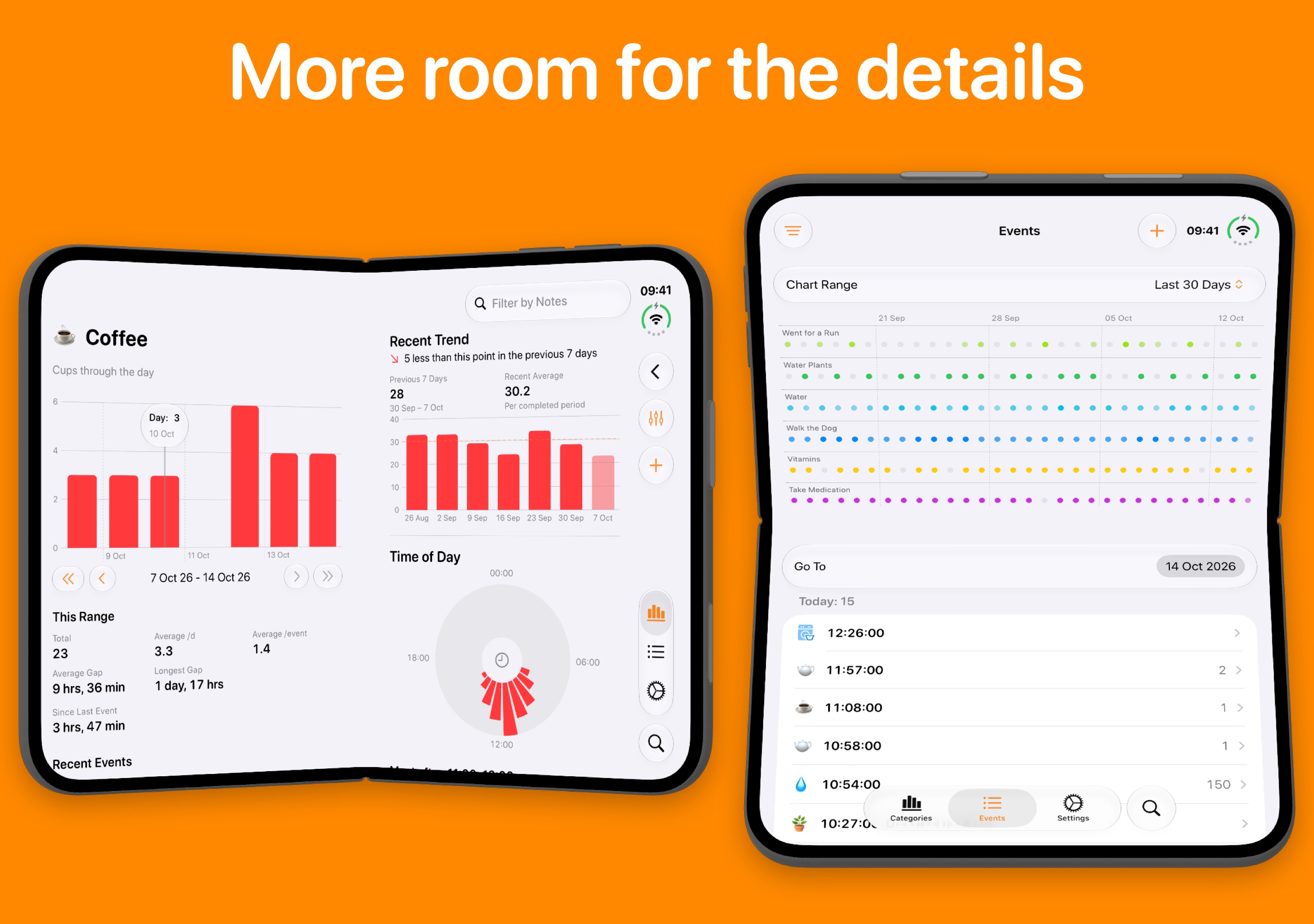
Chronicling is ready for iPhone Duo! Version 2.1.3 is available now, in time for launch day, making the most of the bigger screen in all poses.
Open iPhone Duo and Chronicling spreads out, in both portrait and landscape. The category screen puts your chart and range stats beside the recent trend, Time of Day dial and lifetime stats. The Events tab shows its charts beside your list of events, just like on iPad.
Chronicling ensures content doesn’t sit across the fold. Held like a book, the category screen’s two columns split at the fold, and so do the Events tab’s charts and list. Propped up like a laptop, the Events charts sit above the fold and your list of events sits on the lower half, where it’s easy to scroll and tap.
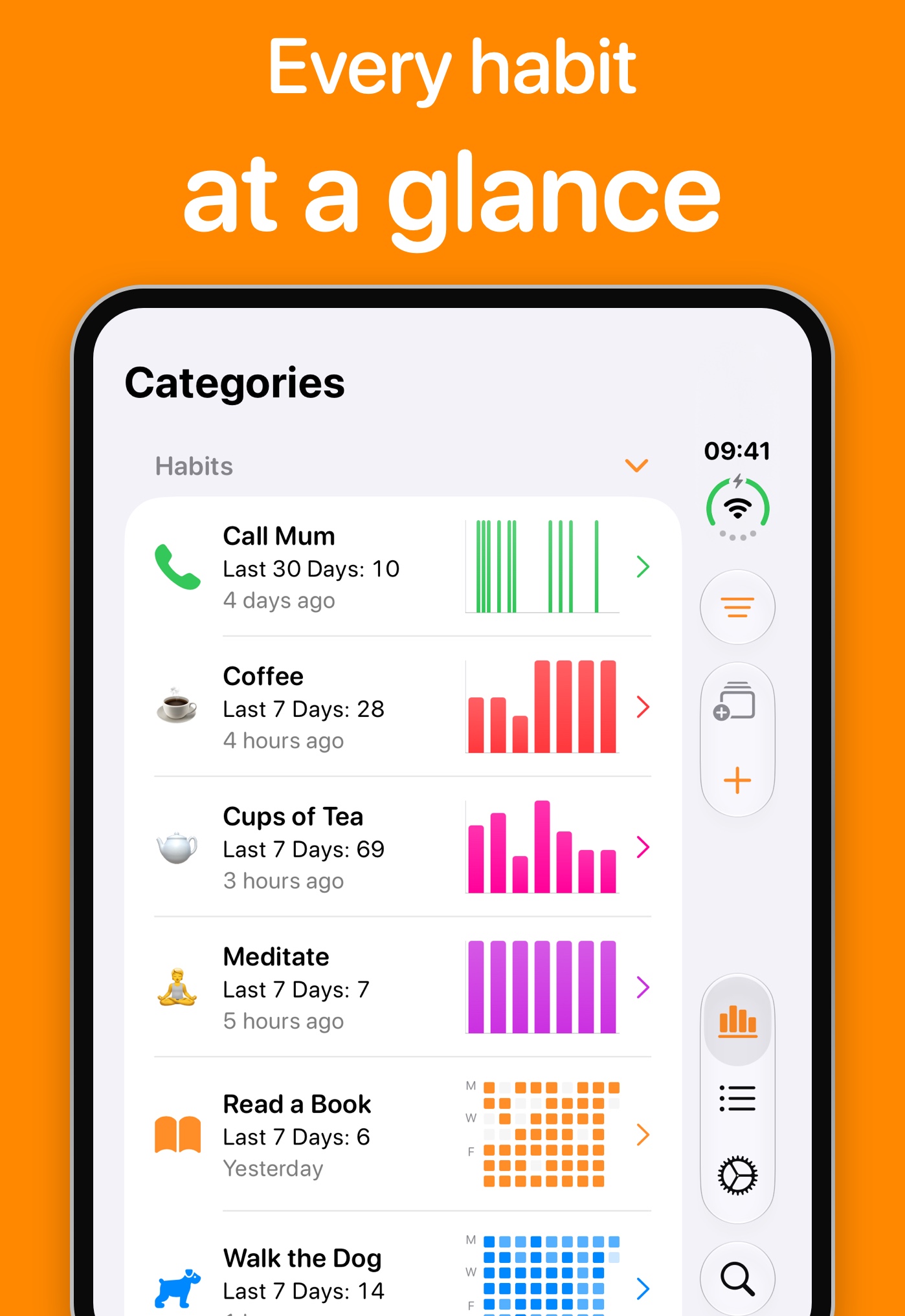
Chronicling also works well with iPhone Duo’s new vertical toolbar. When space is limited, like on the outer display in landscape, the tab bar shrinks so the buttons you use most, like Add, Filter & Sort and Change View, stay within reach instead of being hidden in a menu.
Chronicling is available to download for free on the App Store. Chronicling Premium is currently available for $0.99 a month/$9.99 a year/$39.99 lifetime, or regional equivalent.